Digital이란 용어를 붙여, Workplace를 실체화된 공간에서 다시 개념적으로 추상화된 가상의 공간에 어떻게 표현하고자 하는지..
그러고 보니 "문서관리"를 이야기하던 솔루션업체들이 EDMS에서 KMS, ECM으로 개념으로 변화한 것이 떠오르네요..쩝.
2019-02-12


2018-12-19
Active Directory Site Topology 에 따른 Client affinity
Client
affinity
Domain controllers use site information to inform Active Directory
clients about domain controllers present within the closest site as the client.
For example, consider a client in the Seattle site that does not know its site
affiliation and contacts a domain controller from the Atlanta site. Based on
the IP address of the client, the domain controller in Atlanta determines which
site the client is actually from and sends the site information back to the
client. The domain controller also informs the client whether the chosen domain
controller is the closest one to it. The client caches the site information
provided by the domain controller in Atlanta, queries for the site-specific
service (SRV) resource record (a Domain Name System (DNS) resource record used
to locate domain controllers for AD DS) and thereby finds a domain controller
within the same site.
By finding a domain
controller in the same site, the client avoids communications over WAN links.
If no domain controllers are located at the client site, a domain controller
that has the lowest cost connections relative to other connected sites advertises
itself (registers a site-specific service (SRV) resource record in DNS) in the
site that does not have a domain controller. The
domain controllers that are published in DNS are those from the closest site as
defined by the site topology. This process ensures that every site has a
preferred domain controller for authentication.
2018-01-23
Exchange 서버의 사서함 용량 및 메시지 건수 조사하기 위한 PowerShell 구문
Exchange 서버의 사서함 용량 및 메시지 건수 조사하기 위한 PowerShell 구문입니다.
사서함 용량 및 메시지
건수 조사 PowerShell 명령어
|
Get-Mailbox -ResultSize Unlimited | Get-MailboxStatistics |
Select DisplayName,StorageLimitStatus,@{name="TotalItemSize
(MB)";expression={[math]::Round(($_.TotalItemSize.Split("(")[1].Split("
")[0].Replace(",","")/1MB),2)}},@{name="TotalDeletedItemSize
(MB)";expression={[math]::Round(($_.TotalDeletedItemSize.Split("(")[1].Split("
")[0].Replace(",","")/1MB),2)}},ItemCount,DeletedItemCount
| Sort "TotalItemSize (MB)" -Descending | Export-CSV "C:\AllMailboxes.csv"
-NoTypeInformation
|
Active Directory Domain에 Join된 컴퓨터를 Unjoin 하기 위한 명령어
Active Directory Domain에 Join된 컴퓨터를 Unjoin 하기 위한 명령어입니다.
start /B /W
wmic.exe /interactive:off ComputerSystem Where
"Name='%computername%'" Call UnJoinDomainOrWorkgroup FUnjoinOptions=0
start /B /W
wmic.exe /interactive:off ComputerSystem Where
"Name='%computername%'" Call JoinDomainOrWorkgroup
name="WORKGROUP"
shutdown.exe
/r /t 0 /f
또는 PowerShell을 사용할 경우
Powershell.exe
Remove-Computer -Force -Restart
로 하면 되지만, AD 서버를 Access해야 함.
Active Directory Domain 에 Join 시 RPC 사용 TCP Port
Active Directory Domain 에 Join 시 RPC 사용 TCP Port
| 응용 프로그램 프로토콜 | 프로토콜 | 포트 |
| RPC | TCP | 135 |
| 임의로 할당된 상위 TCP 포트¹ | TCP | 1024~65535 사이의 임의 포트 번호 49152 - 65535 사이의 임의 포트 번호² |
출처
Aruba ClearPass 장비에서 AD 인증을 UPN으로 설정하기
Aruba ClearPass 장비에서 AD 인증을 UPN으로 설정하기 위해서는
인증을 위한 속성을 하기와 같이 변경하면 됩니다.
UPN authentication with clearpass and active directory
기본 설정값은 sAMAccountName으로 인증하도록 설정되어 있음.
(&(objectClass=user)(sAMAccountName=%{Authentication:Username}))
이를 UPN으로도 인증되도록 설정을 아래와 같이 추가 하면 됩니다.
(|(&(objectClass=user)(sAMAccountName=%{Authentication:Username}))(&(objectClass=user)(userPrincipalName=%{Authentication:Username})))
(|(&(objectClass=user)(sAMAccountName=%{Authentication:Username}))(&(objectClass=user)(userPrincipalName=%{Authentication:Username})))
Outlook Client에서 Exchange 연결을 위한 Profile 생성 시 SCP 설정으로 빠르게 서버 찾기
Outlook Client에서 Exchange 연결을 위한 Profile 생성 시 SCP 설정으로 빠르게 서버 찾기
- 조건 autodiscover 도메인만 사용하도록 설정하는 경우의 레지스트리 키 설정 정보입니다.
레지스트리를 배치파일로 등록할 경우
- 조건 autodiscover 도메인만 사용하도록 설정하는 경우의 레지스트리 키 설정 정보입니다.
|
Outlook
Version
|
Resistry
Key
|
|
Outlook
2010
|
Windows
Registry Editor Version 5.00
[HKEY_CURRENT_USER\Software\Microsoft\Office\14.0\Outlook\AutoDiscover]
"PreferLocalXML"=dword:00000000
"ExcludeHttpRedirect"=dword:00000000
"ExcludeHttpsAutodiscoverDomain"=dword:00000000
"ExcludeHttpsRootDomain"=dword:00000001
"ExcludeSrvLookup"=dword:00000001
"ExcludeSrvRecord"=dword:00000001
"ExcludeScpLookup"=dword:00000001
|
|
Outlook
2013
|
Windows
Registry Editor Version 5.00
[HKEY_CURRENT_USER\Software\Microsoft\Office\15.0\Outlook\AutoDiscover]
"PreferLocalXML"=dword:00000000
"ExcludeHttpRedirect"=dword:00000000
"ExcludeHttpsAutodiscoverDomain"=dword:00000000
"ExcludeHttpsRootDomain"=dword:00000001
"ExcludeSrvLookup"=dword:00000001
"ExcludeSrvRecord"=dword:00000001
"ExcludeScpLookup"=dword:00000001
|
|
Outlook
2016
|
Windows
Registry Editor Version 5.00
[HKEY_CURRENT_USER\Software\Microsoft\Office\16.0\Outlook\AutoDiscover]
"PreferLocalXML"=dword:00000000
"ExcludeHttpRedirect"=dword:00000000
"ExcludeHttpsAutodiscoverDomain"=dword:00000000
"ExcludeHttpsRootDomain"=dword:00000001
"ExcludeSrvLookup"=dword:00000001
"ExcludeSrvRecord"=dword:00000001
"ExcludeScpLookup"=dword:00000001
|
레지스트리를 배치파일로 등록할 경우
Outlook
Version |
batch
|
Outlook
2010
|
reg
add
"HKEY_CURRENT_USER\Software\Microsoft\Office\14.0\Outlook\AutoDiscover"
/v PreferLocalXML /t REG_DWORD /d 00000000 /f
reg
add
"HKEY_CURRENT_USER\Software\Microsoft\Office\14.0\Outlook\AutoDiscover"
/v ExcludeHttpRedirec /t REG_DWORD /d 00000000 /f
reg
add
"HKEY_CURRENT_USER\Software\Microsoft\Office\14.0\Outlook\AutoDiscover"
/v ExcludeHttpsAutodiscoverDomain /t REG_DWORD /d 00000000 /f
reg
add
"HKEY_CURRENT_USER\Software\Microsoft\Office\14.0\Outlook\AutoDiscover"
/v ExcludeHttpsRootDomain /t REG_DWORD /d 00000001 /f
reg
add "HKEY_CURRENT_USER\Software\Microsoft\Office\14.0\Outlook\44AutoDiscover"
/v ExcludeSrvLookup /t REG_DWORD /d 00000001 /f
reg
add
"HKEY_CURRENT_USER\Software\Microsoft\Office\140\Outlook\AutoDiscover"
/v ExcludeSrvRecord /t REG_DWORD /d 00000001 /f
reg
add "HKEY_CURRENT_USER\Software\Microsoft\Office\14.0\Outlook\AutoDiscover"
/v ExcludeScpLookup /t REG_DWORD /d 00000001 /f
|
Outlook
2013
|
reg
add
"HKEY_CURRENT_USER\Software\Microsoft\Office\150\Outlook\AutoDiscover"
/v PreferLocalXML /t REG_DWORD /d 00000000 /f
reg
add "HKEY_CURRENT_USER\Software\Microsoft\Office\15.0\Outlook\AutoDiscover"
/v ExcludeHttpRedirec /t REG_DWORD /d 00000000 /f
reg
add
"HKEY_CURRENT_USER\Software\Microsoft\Office\15.0\Outlook\AutoDiscover"
/v ExcludeHttpsAutodiscoverDomain /t REG_DWORD /d 00000000 /f
reg
add "HKEY_CURRENT_USER\Software\Microsoft\Office\15.0\Outlook\AutoDiscover"
/v ExcludeHttpsRootDomain /t REG_DWORD /d 00000001 /f
reg
add
"HKEY_CURRENT_USER\Software\Microsoft\Office\15.0\Outlook\AutoDiscover"
/v ExcludeSrvLookup /t REG_DWORD /d 00000001 /f
reg
add "HKEY_CURRENT_USER\Software\Microsoft\Office\15.0\Outlook\AutoDiscover"
/v ExcludeSrvRecord /t REG_DWORD /d 00000001 /f
reg
add
"HKEY_CURRENT_USER\Software\Microsoft\Office\15.0\Outlook\AutoDiscover"
/v ExcludeScpLookup /t REG_DWORD /d 00000001 /f
|
Outlook
2016
|
reg
add "HKEY_CURRENT_USER\Software\Microsoft\Office\16.0\Outlook\AutoDiscover"
/v PreferLocalXML /t REG_DWORD /d 00000000 /f
reg
add
"HKEY_CURRENT_USER\Software\Microsoft\Office\16.0\Outlook\AutoDiscover"
/v ExcludeHttpRedirec /t REG_DWORD /d 00000000 /f
reg
add "HKEY_CURRENT_USER\Software\Microsoft\Office\16.0\Outlook\AutoDiscover"
/v ExcludeHttpsAutodiscoverDomain /t REG_DWORD /d 00000000 /f
reg
add
"HKEY_CURRENT_USER\Software\Microsoft\Office\16.0\Outlook\AutoDiscover"
/v ExcludeHttpsRootDomain /t REG_DWORD /d 00000001 /f
reg
add
"HKEY_CURRENT_USER\Software\Microsoft\Office\16.0\Outlook\AutoDiscover"
/v ExcludeSrvLookup /t REG_DWORD /d 00000001 /f
reg
add
"HKEY_CURRENT_USER\Software\Microsoft\Office\16.0\Outlook\AutoDiscover"
/v ExcludeSrvRecord /t REG_DWORD /d 00000001 /f
reg
add
"HKEY_CURRENT_USER\Software\Microsoft\Office\16.0\Outlook\AutoDiscover"
/v ExcludeScpLookup /t REG_DWORD /d 00000001 /f
|
피드 구독하기:
글 (Atom)
12.3 비상계엄령으로 친위쿠데타를 일으킨 윤석열과 그에 동조하는 국민의힘 의원은 모두 심판해야 한다
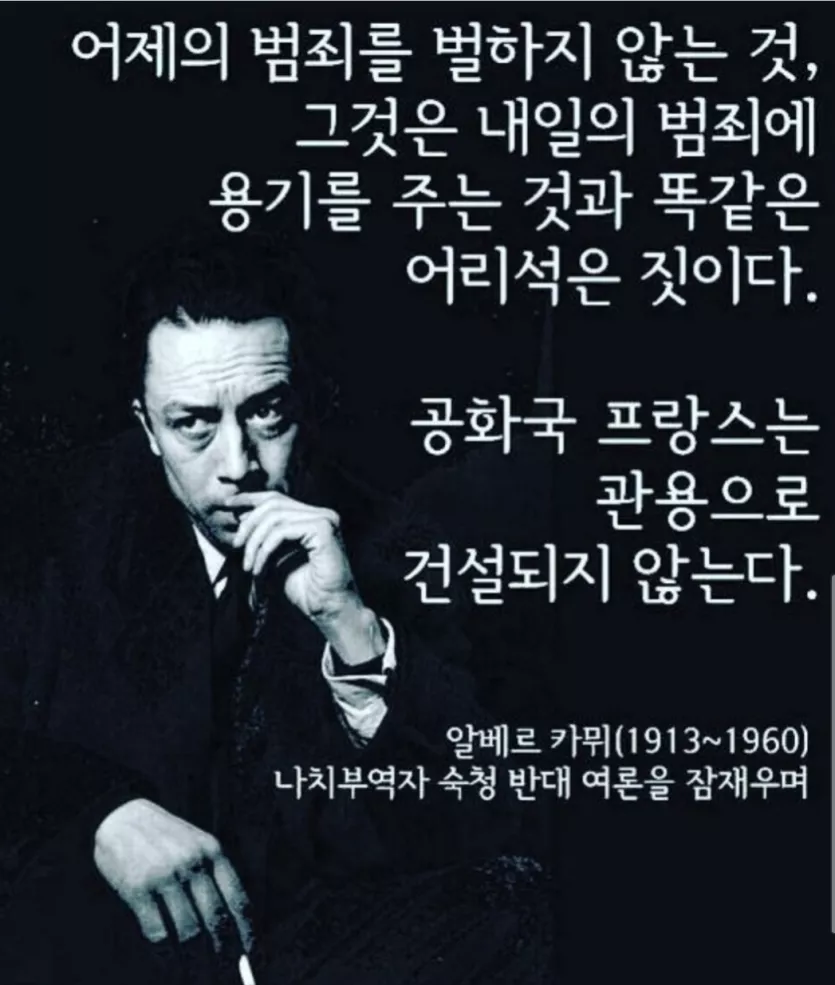
프랑스 알레르까뮈의 명언을 곱씹어 본다. 우리 역사에서 친일파를 심판하지 않고 또 다시 그들과 그에 동조하는 윤석열과 그 추종세력들, 그리고 국민의힘 의원, 모두에게 내일의 범죄를 예약하는 일은 절대 없어야 하겠다. 그들 모두 심판하여 단죄하여야...